BitDeposit App Download: How to Install the Android APK (2026)
Where to download the official BitDeposit Android app, the 5 steps to install the APK, what the 'unknown sources' and Play Protect messages mean, how updates work, what to do on iPhone and how to avoid fake 'mod' apps.
Bitdeposit · 25 November 2026 · 4 min read

On this page
If you want fast bets during a match, live scores and bKash/Nagad deposits in one place, the BitDeposit Android app is the easiest way. The app is not on the Google Play Store, so you download it as an APK file from our own page. This guide shows where to get the real app, how to install it, and which fake apps to stay away from.
The real app is in one place only
The only official download page for the BitDeposit app is bitdeposit.com/en/app-download. The file is about 12 MB, and downloading and using it is completely free.
- Do not install an APK from a Telegram group, a forwarded WhatsApp message or any other website. Such files can contain code that steals your password or OTP.
- There is no "mod app", "unlimited balance" or "predictor app". Anyone selling these is a scammer.
- You do not need a new account for the app: your website account works.
Install on Android: 5 steps
- Open the app download page in Chrome on your phone and tap "Download for Android (APK)".
- Wait until the download finishes (usually under a minute on mobile data).
- Open the file from the notification or the Downloads folder.
- If the phone asks for permission to install apps from this source, tap Settings, turn the permission on for Chrome, then go back.
- Tap Install, then Open, and log in with your mobile number/email and password.
After installing you can switch Chrome's "install unknown apps" permission off again in your phone settings. The app keeps working.
If Play Protect shows a warning
For any app that does not come from the Play Store, Google Play Protect often shows "Scan app" or "Unknown app". It only means the app did not come from the Play Store, nothing more. If you downloaded the file only from bitdeposit.com/en/app-download, you can let the scan finish and continue the install. If a file you got anywhere else shows this warning, do not install it and delete the file. You do not need to switch Play Protect off.
If it does not install
- "App not installed" / "Parse error": the download was incomplete. Delete the file and download it again.
- Low storage: keep at least 100 MB free on the phone.
- Problem with an old app: uninstall the old BitDeposit app and install the new one. Your account and balance stay on the server; nothing is lost when you remove the app.
- On Xiaomi/Redmi, Realme, Oppo and Vivo phones the permission can have a slightly different name ("Install unknown apps" or "Unknown sources"). Type "unknown" in the settings search to find it.
Updating the app
When a new version is out, the app tells you itself. Tap "Update" and wait a few seconds; do not tap it again and again. You can also download the new file from the download page and install it over the old one; your account stays the same.
On iPhone
There is no iPhone app yet. Open m.bitdeposit.com in Safari, tap the Share button at the bottom, then "Add to Home Screen". A BitDeposit icon appears on your home screen and opens with one tap, just like an app.
What you get in the app
- Live betting on cricket and football, live scores and in-play odds.
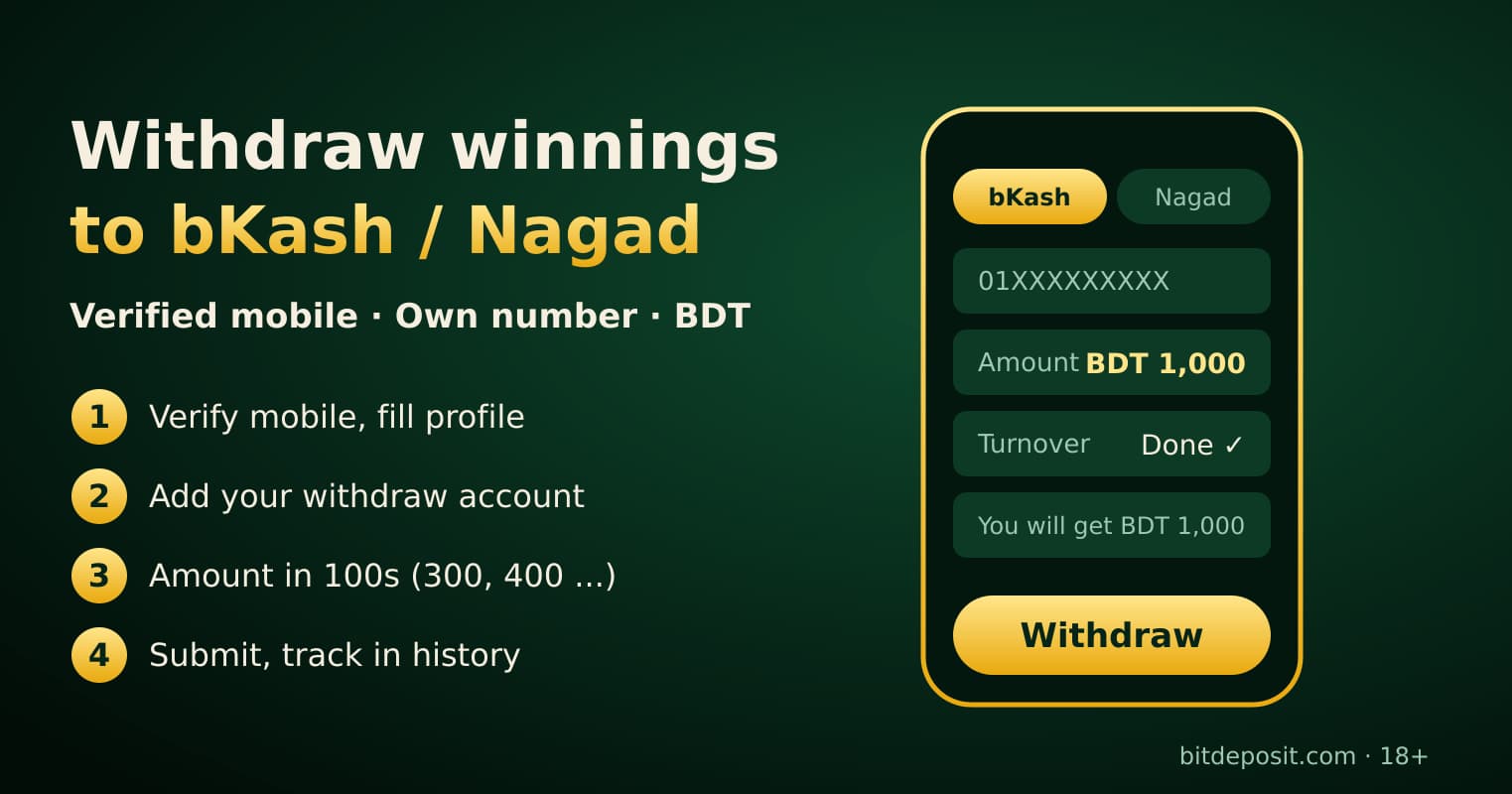
- Deposits and withdrawals with bKash and Nagad. See the deposit guide and the withdrawal guide.
- Live casino, slots and crash games such as Aviator.
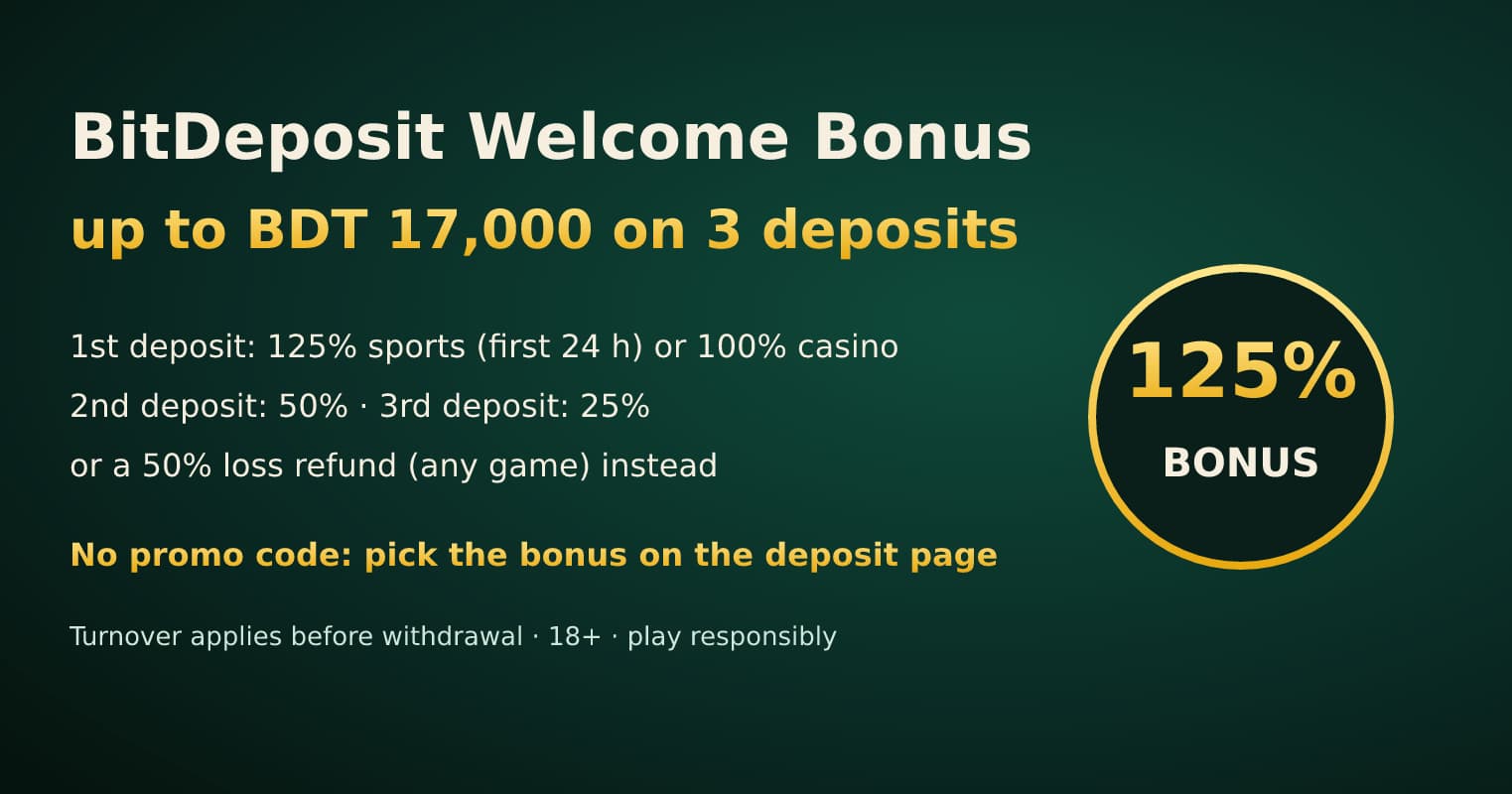
- Current offers and bonuses: read the welcome offer guide or open the promotions page (every bonus has a turnover condition, please read it).
No account yet? Open a free account, then log in to the app (login help). More ways to recognise the real site: Is BitDeposit safe? Prefer Bangla? Read the Bangla version of this guide.
Play responsibly
Betting is for adults (18+) only. There is no guarantee of winning a bet. Deposit only what you can afford to lose; never borrow money or deposit to win back losses. For limits and help, read our responsible gaming page.
18+ only. Play for fun, set your limits and take a break when it stops being fun.
Share this post