BitDeposit Login: Official Login Page, Password Reset and Login Problems (2026)
Which page is the real BitDeposit login, how to log in with your phone number or email / account ID, Telegram login, resetting a forgotten password with a code, what to check when login fails and how to avoid fake login pages.
Bitdeposit · 25 November 2026 · 4 min read
On this page
One rule keeps a BitDeposit login safe: only log in on the real addresses. This guide shows the official login page, how to log in with your phone number or email, how to reset a forgotten password and what to check when the login does not work.
Which login page is the real one
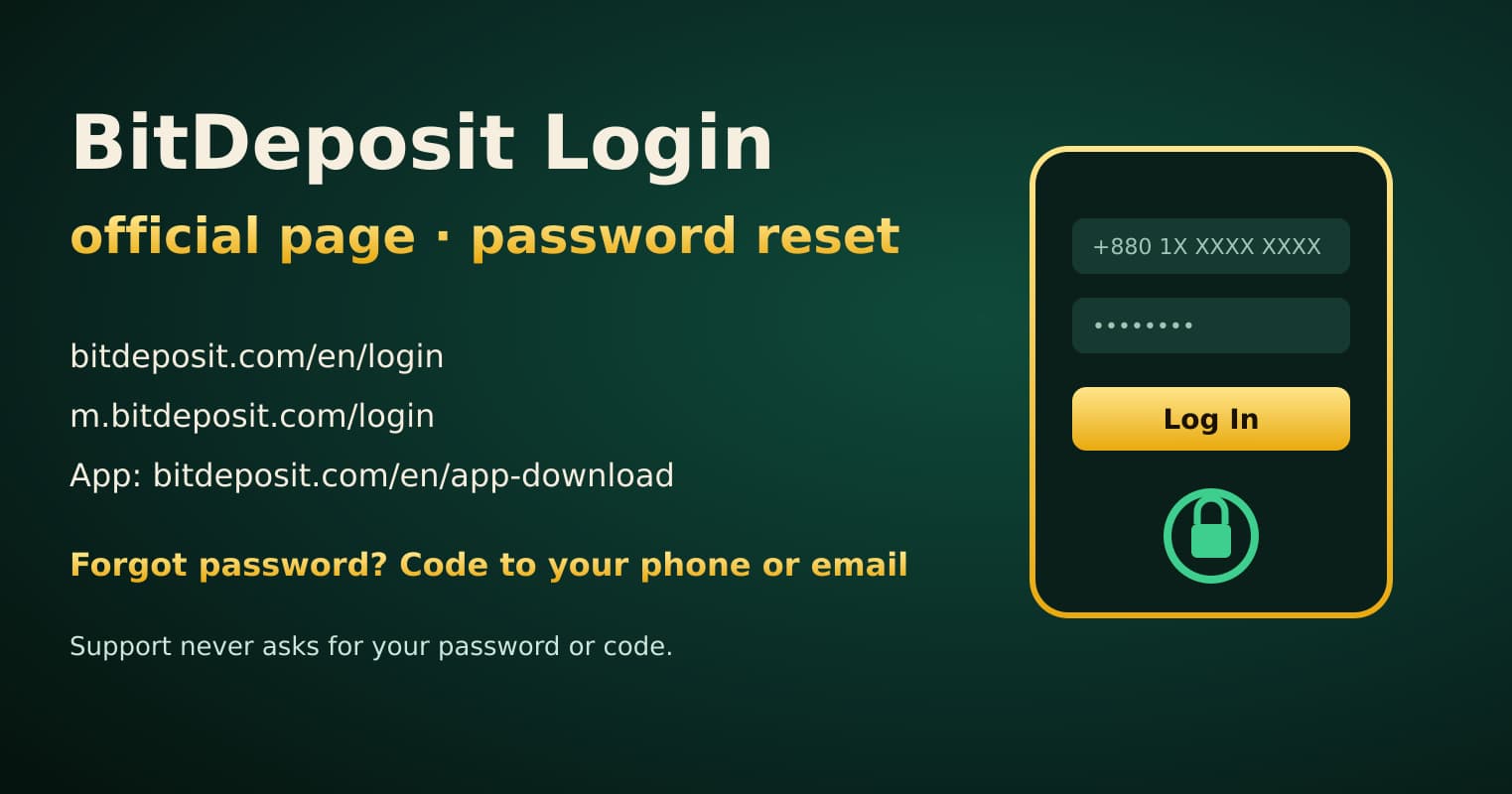
- On a computer: bitdeposit.com/en/login
- On a phone: m.bitdeposit.com/login (opening bitdeposit.com on a phone takes you to the mobile site by itself).
- In the Android app: open the app and tap Log in. Download the app only from bitdeposit.com/en/app-download.
The website, the mobile site and the app use the same account and the same password. You never need a second account.
Log in with your phone number: 4 steps
- On the login page choose the phone number option.
- Check the country code (Bangladesh +880), then type the number you signed up with.
- Type your password.
- Tap Log in.
Log in with your email or account ID
If you signed up with an email, choose Email or account ID, type your email or your account ID, then your password, and tap Log in.
Log in with Telegram
If you see the Telegram button under the login button, tap it. Telegram opens the official bot @BitDepositLoginBot; confirm there and you are logged in on the site. Any bot with another name that asks for a code or password for "login" is fake.
When the login asks for a code
If extra protection (two-step login) is on for your account, a code is sent to your phone or email after the password. Type that code to finish the login. Type it only on the login page and never tell it to anyone.
Forgot your password: how to reset it
- On the login page tap Forgot password?
- Type your phone number or email and ask for the code (OTP).
- Type the code you received by SMS or email.
- Set a new password, then log in with it.
If the page says the phone number (or email) is not registered, the account was opened with another number, or no account was opened yet. In that case see how to open an account in 1 minute (Bangla).
Login not working? Check these
- "Wrong password": check capital and small letters and that the keyboard is in English, not Bangla. If it still fails, reset the password as above.
- Number not found: check the country code and whether the account was opened with an email instead.
- No code arrives: wait a minute or two, check your network, then ask again. Asking many times in a row can block new codes for a short while; try again a little later.
- App does not open or is old: get the newest version from the app download page (install guide in Bangla).
- Still stuck: write to live support on the site. Support never asks for your password or your code.
Watch out for fake login pages
- If the address bar shows anything other than bitdeposit.com or m.bitdeposit.com (extra words in the name or another domain), do not type your password there.
- Do not log in through "login links" or "bonus links" from Facebook, WhatsApp or unknown Telegram groups. The official channel is only t.me/bit_deposit.
- Anyone who calls or messages you asking for a code, your password or money sent to a personal bKash number is a scammer.
- After logging in you can change your password in Account security. Use a password you do not use anywhere else.
Full guide to recognising the real site: Is BitDeposit safe and legit?
After you log in
- How to deposit with bKash (Bangla)
- How to withdraw (Bangla)
Log in on the official page · New here? Create an account
Play responsibly
Betting is for adults (18+) only. There is no guaranteed win. Deposit only what you can afford to lose, and never borrow or deposit to win back losses. For limits and help, read our responsible gaming page.
18+ only. Play for fun, set your limits and take a break when it stops being fun.
Share this post